Choose a photo with one clear subject
Use a sharp, well-lit portrait with the face visible. Avoid a tiny face in a group shot, strong shadows, a heavy filter or a hand covering the face. Crop around the person rather than including a busy room.
Upload a PNG, JPEG or WebP up to 5 MB. Use a photo you own or have permission to use. A clearer source gives the model more useful information, but does not guarantee an exact likeness.
Create the character during the first sticker task
Choose a platform and one or more reactions in its maker. The first task generates a cartoon character and saves it for reuse. There is no separate free character-only creation step.
Start with one familiar reaction to judge the result. Generated faces, clothing and motion can vary from the original photo and between reactions. The public examples are curated AI demonstrations, not a promise of identical output.
Choose a reaction that suits your conversation. An optional caption can add context; check the preview and the supported-text guidance in the maker before submitting.
Return to the saved character
Select the character from your saved collection, choose another reaction and submit the new sticker. You can keep up to 20 characters and reuse them across the four platform makers.
Selecting a saved character is free. Creating a new reaction still costs 10 credits. Download the file produced for your chosen destination; a WhatsApp WebP cannot be uploaded unchanged as a Discord server sticker.
Keep the original file for sharing
Download the completed original and check that it plays before trying an import. Chat apps may flatten a preview or recompress a forwarded attachment. Keep your downloaded file for repeat tests.
Follow the format comparison for the destination and the current help sections for import. We will add illustrated phone tutorials after iOS and Android recordings have been reviewed.
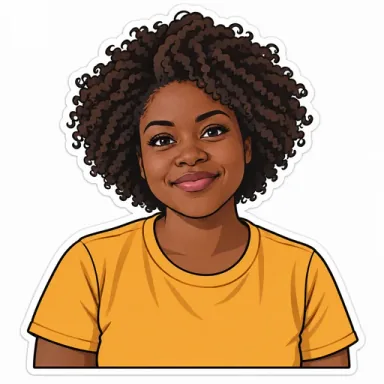
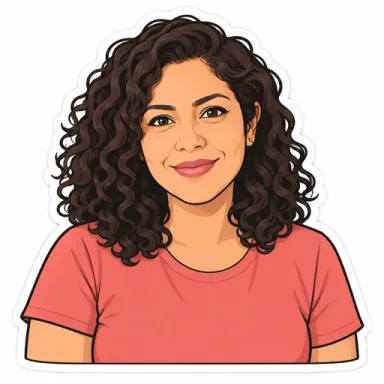
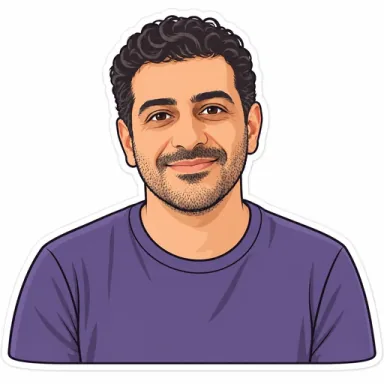
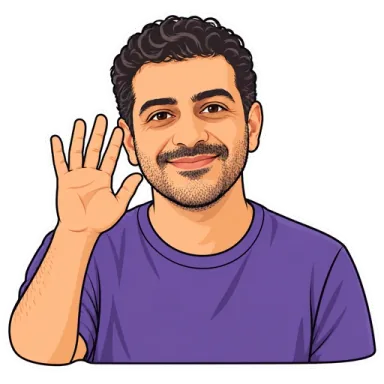
One character, more reactions
Curated AI examples: the six portraits and characters are AI-generated. Your uploaded photos and generated work are private. Results can vary.

Photo

Saved character

Animated reaction

Photo
Saved character

Animated reaction

Photo

Saved character

Animated reaction

Photo

Saved character

Animated reaction

Photo
Saved character

Animated reaction

Photo
Saved character
Animated reaction
How much does it cost?
Each sticker costs 10 credits. Email verification unlocks a one-time 20-credit gift, enough for 2 stickers. Top up anytime: $5 for 50 credits, $15 for 180, or $30 for 400. Credits do not expire and there is no subscription.
What if a generation fails?
A confirmed failed generation returns its 10 credits automatically. A task whose provider result is still being checked has not yet been confirmed failed.
Are my photos public?
No. Your photos, characters and stickers are private to your account. Internal processing files are retained for 7 days after a task ends; saved characters and finished stickers stay until you delete them.
Choose a file for where you will use it
Select the platform before creating a sticker: each maker exports its own sizes and formats. File compliance does not confirm that every phone or third-party import tool will accept it. There is no one-click import.
| Platform | Downloads from this maker | How to use them |
|---|---|---|
| WeChat creations download as 240×240 GIF files. Each reaction costs 10 credits, including an optional caption. | Download the GIF to your phone and add it through a supported WeChat sticker-collection flow. Controls and file limits vary by app version. This product creates personal chat reactions; it does not submit packs to the WeChat sticker store. | |
| Animated WebP: 512×512. GIF: 240×240. Both formats are included in the 10-credit cost of each completed WhatsApp reaction. | StickersMaker provides downloads, not one-click WhatsApp import. Animated WebP needs a compatible animated-sticker import workflow; compatibility depends on the tool, operating system and app version. GIF can be shared as an animation and is not the same as a WhatsApp sticker. | |
| Telegram | Telegram creations include a 512×512 VP9 WebM video sticker and a 240×240 GIF for chat. The WebM is checked for dimensions, duration, frame rate, transparency, file size and absence of audio before delivery. | Download the WebM and upload it through @Stickers. StickersMaker prepares the file; you publish the pack in Telegram. No separate file conversion is needed for this WebM. The GIF is for chat sharing. |
| Discord | Discord creations include a 320×320 transparent APNG and GIF. Both are limited to 500000 bytes, below Discord’s 512 KiB ceiling. The APNG is checked for animation, dimensions, transparency, duration and looping before delivery. | Upload the APNG through your server’s sticker settings. It does not need another size or format conversion. You still need upload permission and an available sticker slot; the site does not upload to Discord for you. |